
How to Select Optimal Enterprise Server Hardware for Business Growth
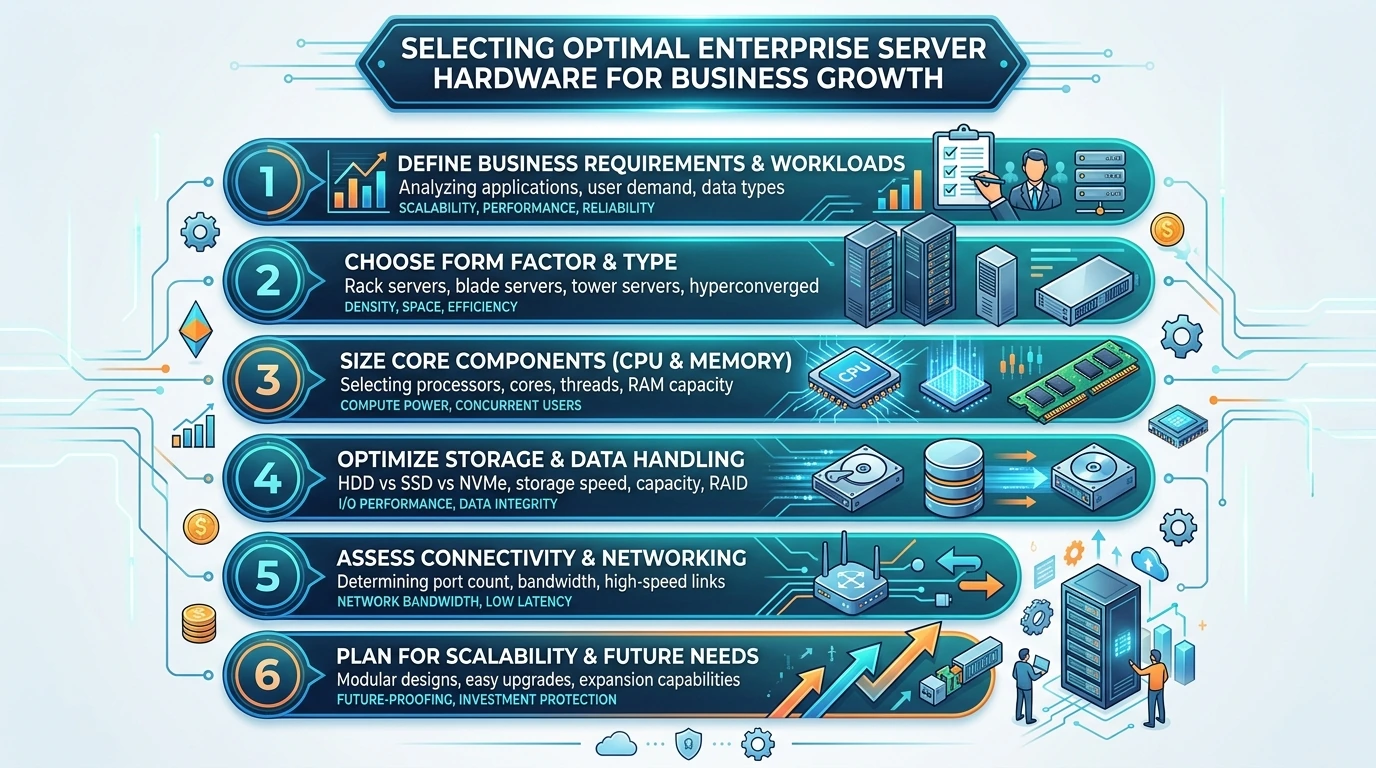
Enterprise server hardware selection in 2026 is no longer a simple procurement task; it’s a strategic imperative. Businesses frequently face a critical dilemma: over-provisioning leads to significant capital expenditure waste, while under-provisioning results in debilitating performance bottlenecks, costly downtime, and stifled growth. A recent audit of 30 mid-sized enterprises revealed an average of 18% CPU underutilization on their primary application servers due to poor initial sizing, yet 40% experienced I/O saturation during peak loads, indicating a fundamental mismatch between hardware capability and actual workload profiles.
KEY TAKEAWAYS
- Workload-First Approach: Accurately profile current and projected application demands before evaluating any hardware.
- Balanced Component Selection: Avoid bottlenecks by ensuring CPU, RAM, storage, and network components are proportionally sized.
- Scalability & Redundancy: Design for future growth and high availability from the outset to minimize future disruptions.
- Total Cost of Ownership (TCO): Factor in power, cooling, management, and vendor support beyond initial purchase price.
Immediate Problem Identification & Required Prerequisites/Tools Checklist
The core problem is misalignment between business application requirements and server capabilities, leading to either excessive cost or performance degradation. Addressing this requires a data-driven approach.
Prerequisites:
- Comprehensive Workload Analysis Report: Documented CPU core utilization, RAM consumption, storage I/O (IOPS, throughput), and network bandwidth requirements for all critical applications, covering peak and average loads over a minimum 90-day period.
- Future Growth Projections: 3-5 year business expansion plans, including anticipated user growth, data volume increase, and new application deployments.
- IT Budget Allocation: Clearly defined capital expenditure (CapEx) and operational expenditure (OpEx) budgets for hardware, power, cooling, and maintenance.
- Data Center Infrastructure Audit: Current power availability (kVA), cooling capacity (tons of refrigeration), rack space (U units), and network port availability.
Tools:
- Performance Monitoring Software: e.g., Prometheus, Grafana, Zabbix, or commercial APM solutions.
- Server Configuration Tools: Vendor-specific configurators (e.g., Dell EMC Live Optics, HPE OneView).
- Network Analysis Tools: Wireshark, iPerf for throughput testing.
- Storage Benchmarking Utilities: FIO, CrystalDiskMark for IOPS and latency measurement.
Chronological Step-by-Step Procedural Guide
Step 1: Assess Current & Future Workload Demands
Begin by quantifying the computational, memory, storage, and network requirements of your applications. For instance, a transactional database might demand high IOPS and low latency storage, while a data analytics platform requires immense RAM and multi-core CPU power. Measure actual usage, not just theoretical maximums. A real-world observation from a recent VDI deployment showed that while average CPU utilization was 35%, specific login storms pushed CPU to 95% for 15-minute intervals, necessitating higher core counts than initially assumed.
- Action: Utilize monitoring tools to collect granular data on CPU (cores, clock speed), RAM (GB), storage (IOPS, throughput, latency), and network (Gbps) usage for each critical application.
- Metric: Identify 95th percentile peak utilization for each resource over a minimum of three months.
Step 2: Evaluate Form Factors & Density Requirements
Server form factors directly impact rack density, power consumption, and cooling efficiency. Rack servers (1U, 2U, 4U) offer flexibility, while blade servers provide extreme density and simplified cabling for large deployments. Tower servers are typically for smaller offices or specific use cases where rack mounting isn't feasible.
- Action: Calculate required rack units (U) based on the number of servers and their form factors. Consider future expansion.
- Observation: Blade systems, while having a higher initial chassis cost, reduce cabling by up to 80% and simplify power distribution, yielding significant OpEx savings in large-scale environments (>50 servers).
Step 3: Prioritize Processor Architectures & Core Count
Modern enterprise CPUs from Intel (Xeon Scalable) and AMD (EPYC) offer distinct advantages. Intel generally excels in per-core performance for lightly threaded applications, while AMD often provides superior core density and PCIe lane availability, beneficial for virtualized environments and data-intensive workloads. Determine if your applications benefit more from raw clock speed or a higher core count.
- Action: Select CPU families (e.g., Intel Xeon Gen 5, AMD EPYC Gen 4) based on workload characteristics. Benchmark specific CPU models if possible.
- Metric: Aim for CPU utilization under 70% during peak loads to allow for spikes and future growth.
Step 4: Determine Memory (RAM) Configuration
RAM capacity and speed are critical. Enterprise servers exclusively use Error-Correcting Code (ECC) RAM to prevent data corruption. DDR5 is the current standard, offering higher bandwidth and efficiency than DDR4. Ensure sufficient memory channels are utilized for optimal performance (e.g., 8 channels per CPU for modern platforms).
- Action: Calculate total RAM needed, adding a 20-30% buffer for future application growth or unexpected memory leaks.
- Observation: Running DDR5 modules at their rated speed (e.g., 4800MT/s) often requires specific CPU SKUs and motherboard configurations; verify compatibility to avoid speed down-throttling to 4000MT/s or less.
Step 5: Design Storage Subsystems
Storage is often the primary bottleneck. Differentiate between capacity, performance (IOPS, throughput), and latency needs. NVMe SSDs offer orders of magnitude better performance than SATA SSDs or HDDs. RAID configurations (RAID 1, 5, 6, 10) provide data protection and performance benefits. Consider SAN (Storage Area Network) or NAS (Network Attached Storage) for shared storage environments.
- Action: Map application storage requirements to appropriate drive types (NVMe, SSD, HDD) and RAID levels.
- Metric: Target sub-1ms latency for critical database transactions on primary storage.
Step 6: Plan Network Connectivity & Redundancy
Network Interface Cards (NICs) with speeds of 10GbE, 25GbE, or even 100GbE are standard. Implement Link Aggregation Control Protocol (LACP) for increased bandwidth and redundancy. Dual or quad-port NICs are recommended for failover. Ensure your network switches can handle the aggregate bandwidth.
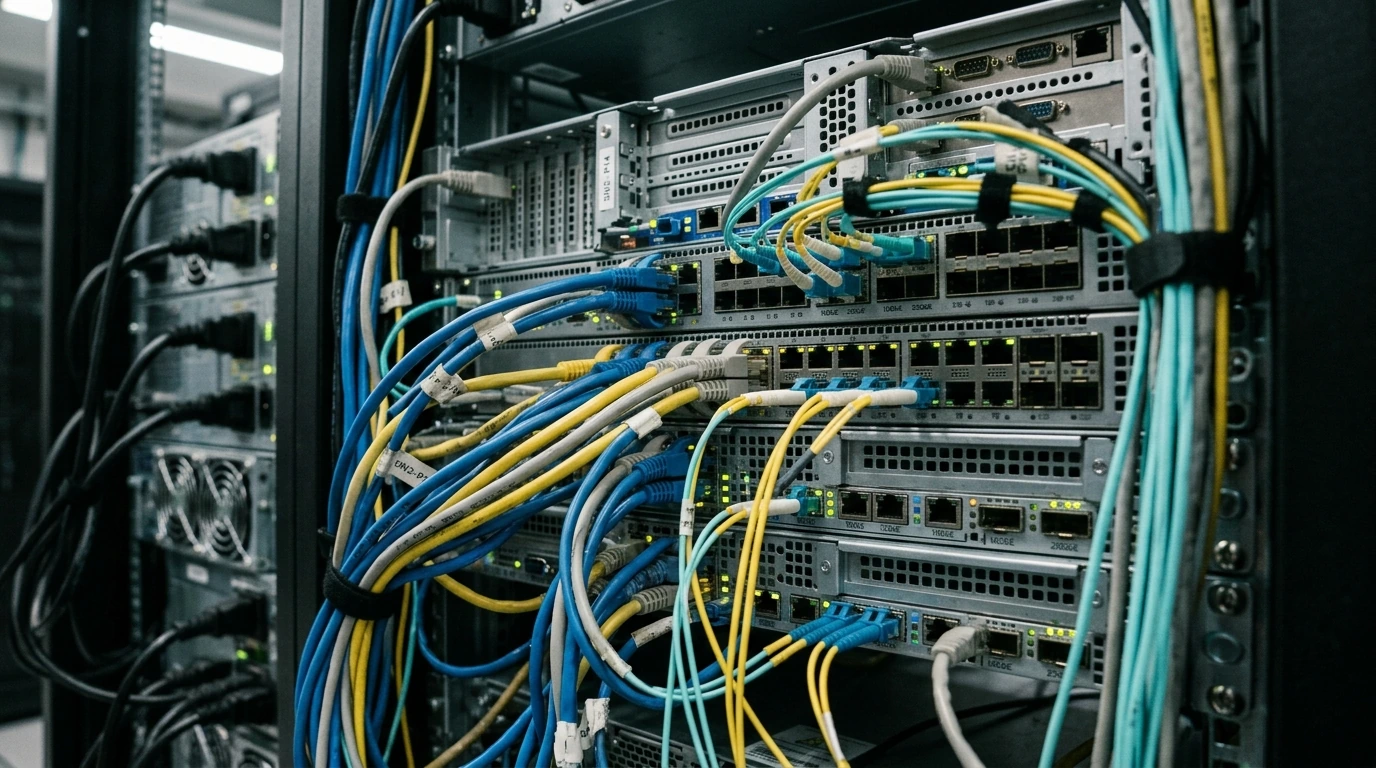
- Action: Specify NICs with at least 25GbE for modern virtualization hosts or high-bandwidth applications.
- Observation: Overlooking switch port capacity or uplink bandwidth can negate the benefits of high-speed server NICs, leading to network bottlenecks upstream.
Step 7: Consider Power Supply & Cooling
Redundant power supplies (1+1 or 2+1) are non-negotiable for critical systems. Evaluate power efficiency ratings (80 PLUS Platinum, Titanium) to minimize operational costs. Understand the server's Thermal Design Power (TDP) and ensure your data center's cooling infrastructure can dissipate the generated heat.
- Action: Calculate total power draw (Watts) for the server configuration and verify against rack PDU capacity.
- PRO CALLOUT NOTE: Many organizations underestimate power and cooling. A 1U server consuming 800W generates approximately 2730 BTU/hr of heat. Accumulate this across your entire rack and ensure your CRAC units have ample headroom. Ignoring this leads to thermal throttling and premature component failure.
Step 8: Evaluate Management & Security Features
Out-of-band management (e.g., IPMI, iDRAC, iLO) is essential for remote server administration, even during OS failures. Hardware-level security features like Secure Boot, Trusted Platform Modules (TPM 2.0), and silicon-level root of trust are vital for protecting against firmware attacks.
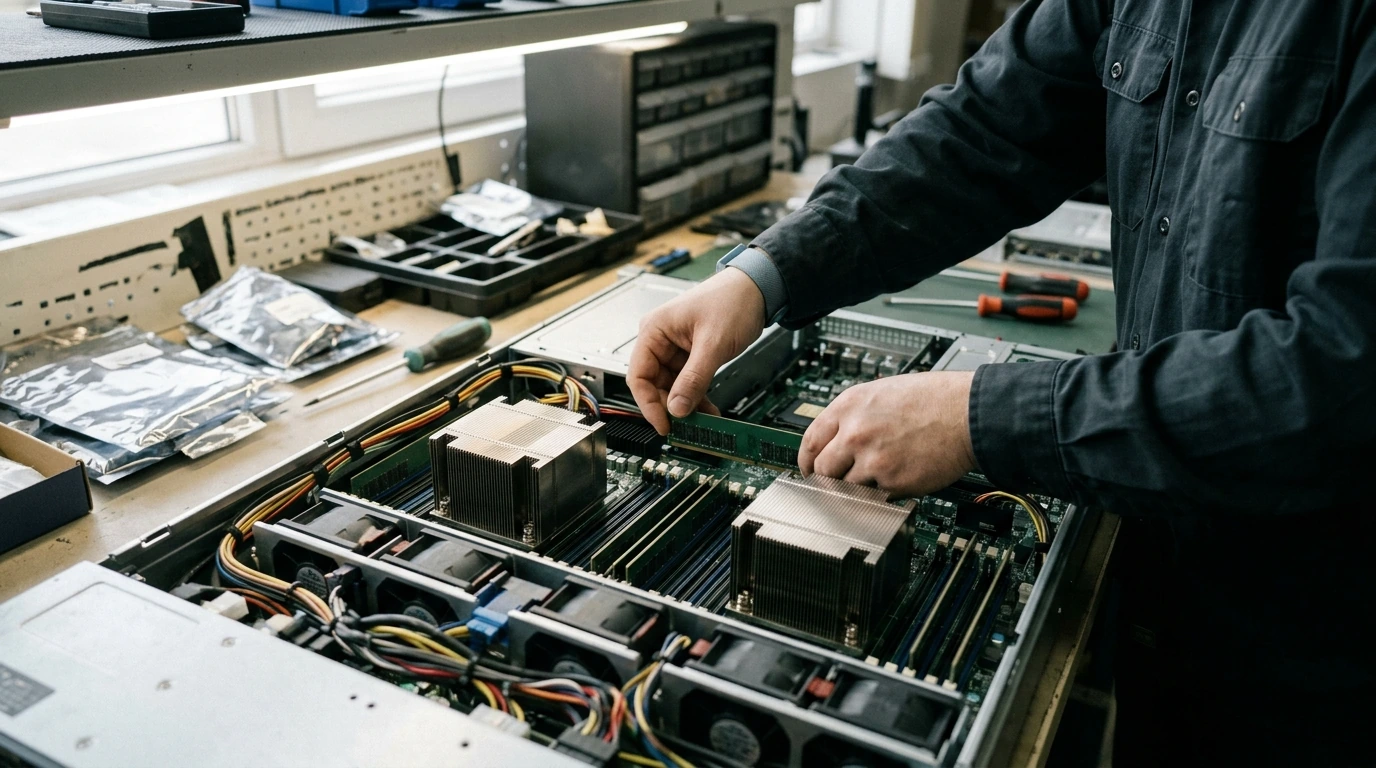
- Action: Ensure selected hardware includes robust remote management capabilities and modern security features.
- Metric: Verify TPM 2.0 is present and enabled for Windows Server 2025/2026 security baselines.
Step 9: Factor in Vendor Support & Warranty
A server is a long-term investment. Evaluate vendor support agreements, including Service Level Agreements (SLAs) for parts replacement (e.g., 4-hour onsite, Next Business Day) and technical support response times. A 5-year warranty with comprehensive support is standard for critical infrastructure.
- Action: Compare vendor support offerings and factor the cost into the total cost of ownership (TCO).
- Critique: While some third-party maintenance providers offer competitive rates, direct vendor support often provides faster access to specialized knowledge for complex issues, a trade-off to consider for mission-critical systems.
Common Pitfalls, Critical Mistakes to Avoid During Execution
- Ignoring Scalability: Purchasing hardware that meets current needs exactly, with no headroom for future growth, leads to premature replacement cycles. Always factor in 20-30% growth capacity.
- Underestimating Power & Cooling: Overlooking the thermal output and electrical draw of new servers can lead to circuit overloads, localized hotspots, and system instability, potentially requiring expensive data center upgrades.
- Over-specifying for Current Needs: Buying the most powerful components without a clear workload justification results in unnecessary capital expenditure and underutilized resources.
- Neglecting Vendor Support & Warranty: Opting for cheaper hardware without adequate support can lead to prolonged downtime and higher repair costs when critical components fail.
- Not Benchmarking Before Deployment: Relying solely on theoretical specifications. Always perform pre-deployment benchmarks to validate performance and identify potential bottlenecks.
Post-Implementation Verification Checklist
After server deployment, rigorous testing is essential to confirm optimal performance and stability.
- Performance Benchmarks: Run synthetic benchmarks (e.g., SPEC CPU, IOMeter) and application-specific benchmarks to confirm CPU, RAM, storage, and network performance meet or exceed design specifications.
- Thermal Monitoring: Continuously monitor CPU, GPU, and drive temperatures using IPMI tools or OS-level sensors to ensure all components operate within safe thermal limits. A sustained CPU temperature above 75°C under load indicates potential cooling issues.
- Network Throughput Validation: Use tools like iPerf to test actual network bandwidth between the new server and other critical network points (e.g., storage arrays, client subnets). Verify LACP is functioning correctly.
- Redundancy Testing: Simulate failures (e.g., pull a power supply, disconnect a network cable) to confirm failover mechanisms (redundant PSUs, NIC teaming) activate as expected without service interruption.
- Security Audit: Verify all hardware-level security features (TPM, Secure Boot) are enabled and configured according to corporate security policies. Ensure remote management interfaces are secured with strong authentication.



Post a Comment for "How to Select Optimal Enterprise Server Hardware for Business Growth"