
Any E-Wallet App Makes QR Code Payments Surprisingly Simple and Fast
Navigating digital transactions has become an intrinsic part of our daily lives, and QR code payments offer a quick, often frictionless method to complete purchases or send funds. While the underlying technology is sophisticated, the user experience across various e-wallet applications can sometimes appear disparate, leading to hesitation. Fortunately, the core process for initiating a QR code payment remains remarkably consistent, regardless of your chosen digital wallet.
Essential Preparations for Seamless QR Payments
Before you initiate any QR code transaction, a few foundational elements must be in place to ensure a smooth experience. These prerequisites are universal across nearly all modern e-wallet platforms, from widely adopted services to regional offerings.
Required Tools and Account Setup:
- A Compatible Smartphone: Ensure your device, whether Android or iOS, is running a recent operating system version and has a functional camera.
- Stable Internet Connection: QR code payments require real-time communication with your e-wallet provider's servers, necessitating a reliable Wi-Fi or cellular data connection.
- Installed E-Wallet Application: Download and install your preferred e-wallet app (e.g., PayPal, Google Pay, Apple Pay, Venmo, regional payment apps) from your device's official app store.
- Verified E-Wallet Account: Complete the initial setup and verification process for your chosen e-wallet. This typically involves linking it to your phone number, email, and often a government-issued ID for KYC (Know Your Customer) compliance.
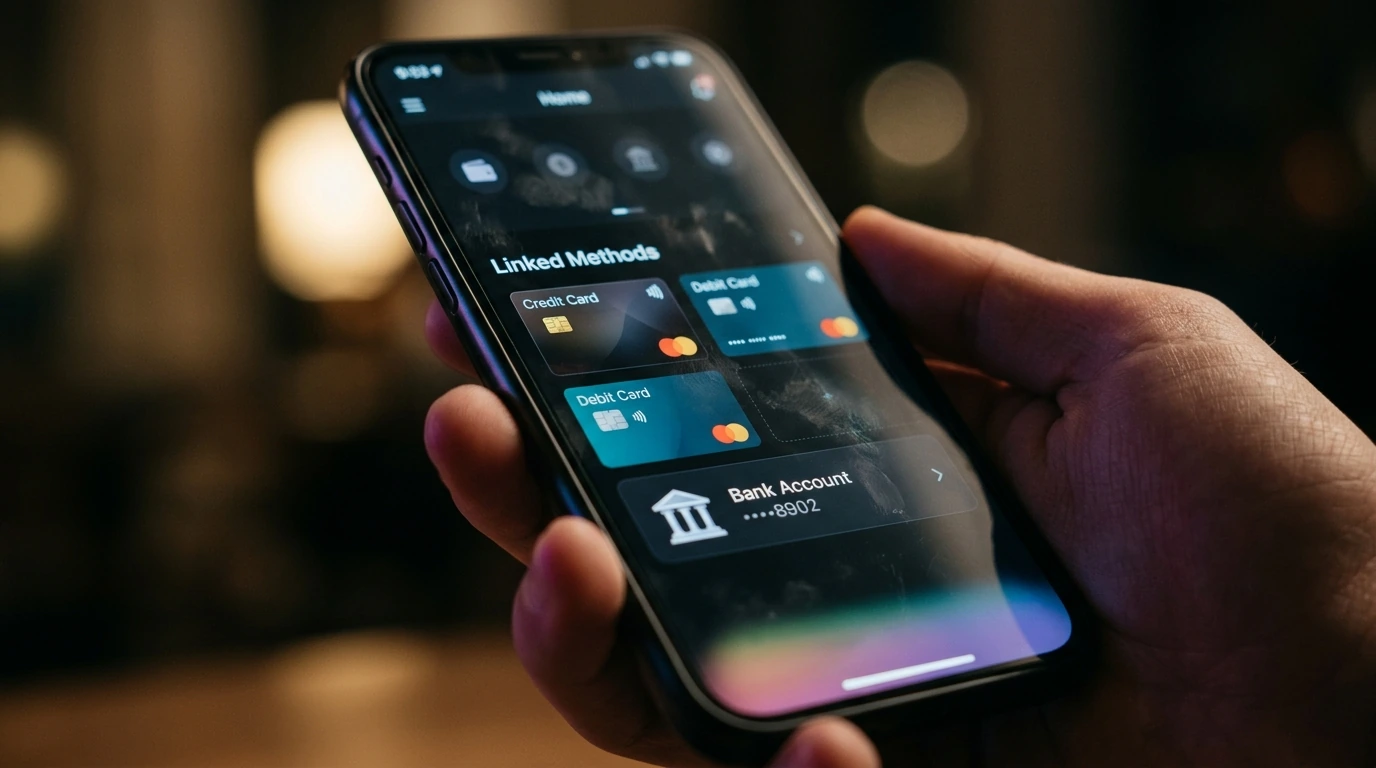
- Linked Payment Method: Crucially, your e-wallet must have a valid funding source attached. This could be a debit card, credit card, bank account, or a pre-loaded balance within the app. Confirm the linked method is active and has sufficient funds or credit for the intended transaction.
Executing Your QR Code Payment Sequence
The actual process of scanning a QR code and completing a payment is designed for efficiency. Here's a step-by-step guide that applies broadly to most e-wallet applications:
- Open Your E-Wallet App: Launch the e-wallet application on your smartphone. Many apps feature a prominent “Scan” or “Pay” button directly on the home screen for quick access.
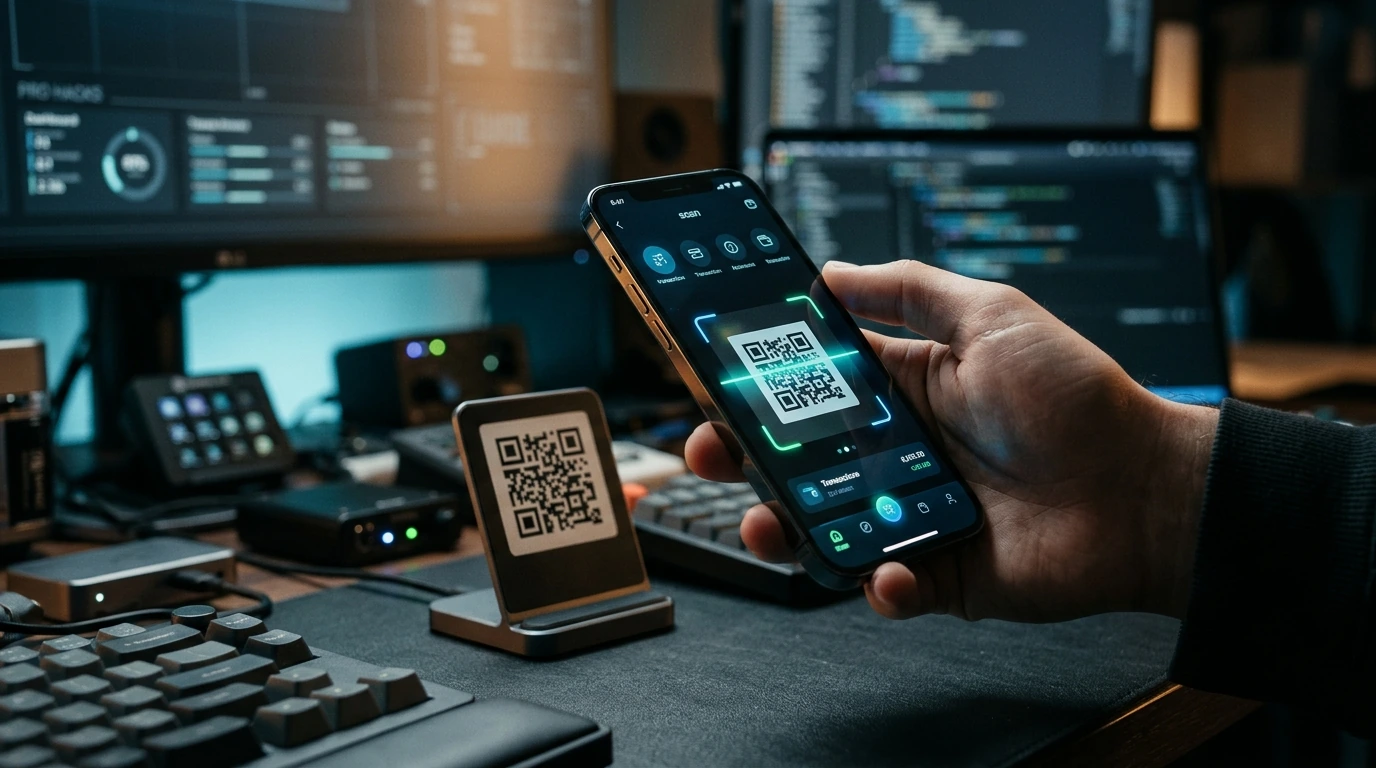
- Activate the QR Scanner: Tap the designated “Scan QR Code” or similar icon. This will usually activate your phone's camera, displaying a scanning viewfinder within the app.
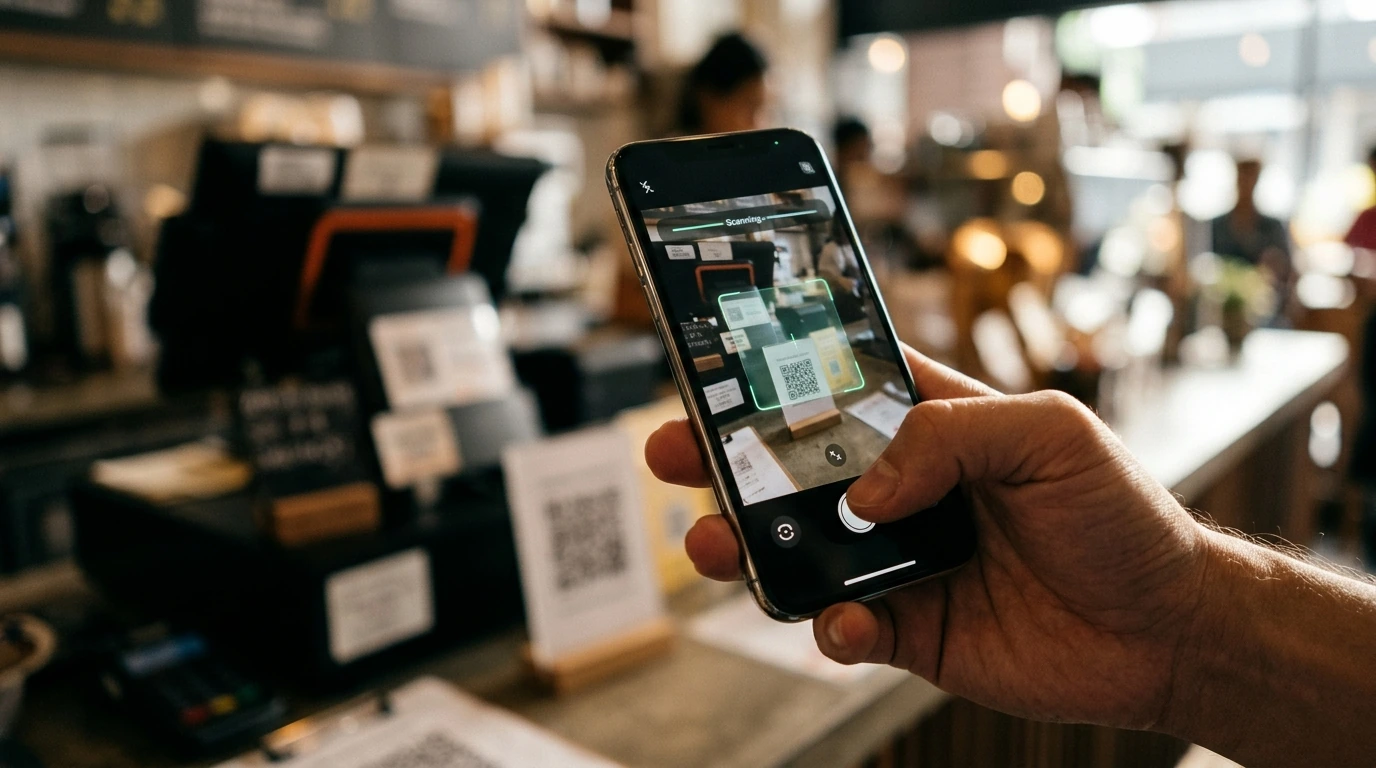
- Position and Scan the QR Code: Point your phone's camera at the merchant's QR code. Ensure the code is well-lit and fits entirely within the scanning frame. Hold steady until the app registers the code, which is typically indicated by a sound or visual confirmation.
- Review Transaction Details: Once scanned, the app will usually display the merchant's name, the amount due, and sometimes a transaction description. Carefully verify these details to ensure accuracy and that you are paying the correct entity for the correct amount. Some apps may allow you to manually enter the amount if it's not pre-filled.
- Select Payment Method (If Applicable): If you have multiple funding sources linked to your e-wallet, you may be prompted to choose which card or bank account to use for this specific transaction.
- Authorize the Payment: Confirm the payment. This often requires entering a PIN, using biometric authentication (fingerprint or facial recognition), or a simple tap of a “Confirm” button.
- Receive Confirmation: Upon successful payment, your e-wallet app will display a confirmation screen, often with a transaction ID. The merchant will also typically receive an immediate notification of payment success.
Avoiding Common Transaction Hurdles
While QR code payments are generally reliable, certain issues can arise. Awareness of these common pitfalls can help you troubleshoot quickly or avoid them altogether:
- Poor Lighting or Damaged QR Codes: An unreadable QR code due to dim lighting, glare, or physical damage (smudges, tears) will prevent successful scanning. Try adjusting your position or device's flashlight.
- Expired or Invalid Codes: Some QR codes are dynamic and time-sensitive. An older or incorrectly generated code may not be valid.
- Insufficient Funds or Expired Payment Methods: Ensure your linked debit card, credit card, or e-wallet balance has enough funds and has not expired. Declined transactions are often due to this.
- Network Connectivity Issues: A weak or unstable internet connection can cause delays or failures in transaction processing. Try moving to an area with better signal or switching between Wi-Fi and cellular data.
- Using the Wrong E-Wallet App: Some merchants may specify which e-wallet app they accept. Attempting to scan a code with an unsupported app will not work.
- Security Concerns (Phishing): Always ensure the QR code is from a legitimate source. Be wary of codes in suspicious emails or unfamiliar websites, as they could lead to fraudulent sites.
Confirming Your Digital Payment Success
After completing a QR code payment, it's crucial to verify that the transaction was successful for both your records and the merchant's. This verification process is straightforward:
- Check In-App Transaction History: Immediately after payment, navigate to the “Activity,” “History,” or “Transactions” section of your e-wallet app. Confirm that the payment to the correct merchant and amount is listed as “Completed” or “Successful.”
- Merchant Confirmation: The merchant should receive an instant notification on their point-of-sale system or device confirming your payment. Always wait for their confirmation before leaving the transaction point.
- Digital or Physical Receipt: Many e-wallet apps offer a digital receipt that can be viewed in-app or sent via email. For physical purchases, request a printed receipt from the merchant as an additional record.
- Bank/Card Statement (Optional): For larger or critical transactions, consider cross-referencing your e-wallet transaction with your linked bank or credit card statement within a few business days to ensure the funds were debited correctly.


Post a Comment for "Any E-Wallet App Makes QR Code Payments Surprisingly Simple and Fast"