
How to Configure Bluetooth Audio for Low Latency Gaming on Mobile
Few things ruin a competitive mobile gaming session faster than hearing an enemy's footsteps half a second after they appear on your screen. This distracting delay is caused by Bluetooth audio latency, a technical bottleneck that plagues wireless setups. Fortunately, with the right combination of hardware settings, codec adjustments, and software tweaks, you can reduce this lag to near-imperceptible levels.
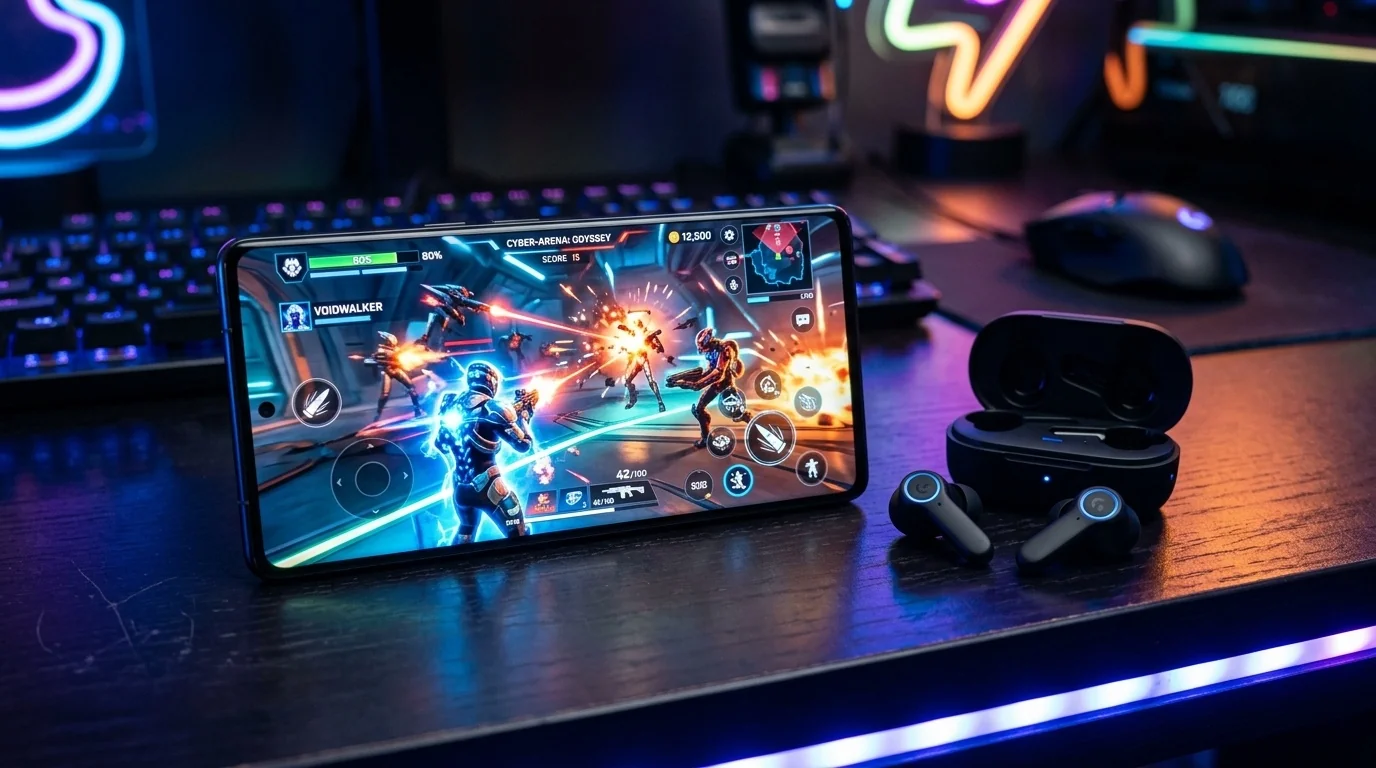
Key Takeaways
- Codec Choice Matters: Switching to aptX Adaptive or LC3 (LE Audio) is the single most effective way to cut latency on Android.
- Hardware Match: Both your phone and your earbuds must support the same low-latency codec to benefit from faster transmission.
- Developer Settings: Android users can manually force low-latency modes through hidden developer menus.
- iOS Optimization: While iPhones are locked to the AAC codec, enabling Game Mode and minimizing wireless interference helps keep latency low.
Understanding the Bluetooth Latency Problem
To fix audio lag, it helps to understand why it happens. Traditional wired headphones transmit analog signals at the speed of light through copper. Bluetooth, however, must compress digital audio on your phone, transmit it over a 2.4 GHz radio frequency, decompress it on your earbuds, and then convert it to analog sound.
This entire pipeline introduces a delay measured in milliseconds (ms). While a 200ms delay is unnoticeable when watching a video (because media players automatically delay the video to match the lagging audio), it is highly disruptive in real-time gaming where actions are unpredictable.
The Role of Audio Codecs
A codec is the algorithm that compresses and decompresses your audio. Different codecs prioritize different things: some focus on high-fidelity music, while others prioritize speed. To achieve low latency, you must use a codec designed for speed.
| Codec Name | Average Latency | Primary Platform | Best Use Case |
|---|---|---|---|
| SBC | 150 - 250 ms | Universal (Default) | Basic audio, old hardware |
| AAC | 120 - 200 ms | iOS / Android | Music streaming on Apple devices |
| aptX Adaptive | 50 - 80 ms | Android (Qualcomm) | High-performance mobile gaming |
| LC3 (LE Audio) | 20 - 50 ms | Android 13+ / iOS 18+ | Next-gen ultra-low latency gaming |
How to Configure Low Latency on Android
Android devices offer deep customization options that allow you to bypass default settings and force low-latency modes. Follow these steps to optimize your connection:
1. Enable Developer Options
To access advanced Bluetooth configurations, you must first unlock Android's Developer Options menu:
- Open your phone's Settings.
- Navigate to About Phone or Software Information.
- Find the Build Number and tap it rapidly seven times. You will see a prompt saying "You are now a developer."
- Go back to the main Settings menu, and look for Developer Options (often located under System settings).
2. Manually Force a Low-Latency Codec
Once inside Developer Options, scroll down to the networking section to adjust your Bluetooth parameters:
- Bluetooth Audio Codec: If your earbuds support it, switch from SBC/AAC to aptX Adaptive or aptX Low Latency.
- Bluetooth Audio Sample Rate: Set this to match your earbuds' native rate (usually 44.1 kHz or 48 kHz). Raising this too high increases processing delay without improving game audio quality.
- Bluetooth Audio Channel Mode: Keep this on Stereo. Mono can sometimes reduce latency slightly, but it destroys your ability to hear spatial directional cues in games.
How to Minimize Latency on iOS (iPhone)
Apple takes a closed-ecosystem approach. iPhones only support SBC and AAC codecs. You cannot manually change the codec in the settings, but you can still optimize the performance through system features and environment control:
- Utilize Game Mode: On modern iOS versions, Game Mode automatically activates when you launch a full-screen game. This feature prioritizes CPU and GPU resources for the game while reducing background wireless activity to lower Bluetooth latency.
- Use H2/H1 Chip Ecosystems: If you use AirPods Pro or AirPods Max, Apple uses proprietary connection protocols that automatically reduce latency when a game is detected, outperforming standard AAC connections on third-party earbuds.
- Disable Background App Refresh: Go to Settings > General > Background App Refresh and turn it off. This prevents background apps from using wireless bandwidth, which can cause minor audio stutters and lag spikes.
Real-World Troubleshooting Scenarios
Scenario A: The Competitive Shooter Player
The Setup: An Android user playing PUBG Mobile experiences a half-second delay when firing weapons while using standard wireless earbuds.
The Fix: The user purchases earbuds featuring a dedicated "Gaming Mode" that utilizes the LC3 codec. They enable Bluetooth LE Audio under Android Developer Options. The latency drops from 220ms to roughly 40ms, making gunshots align instantly with the visual flash.
Scenario B: The Multi-Device Interference Trap
The Setup: A gamer plays on their iPad while sitting near a Wi-Fi router, a wireless mouse, and a smart TV. The audio keeps lagging and occasionally crackles.
The Fix: Because Bluetooth operates on the crowded 2.4 GHz band, local interference forces the device to re-transmit lost data packets, causing severe lag. The gamer switches their home Wi-Fi network to the 5 GHz band and moves away from other active Bluetooth accessories, stabilizing the signal and restoring normal latency speeds.
Trade-offs: Latency vs. Audio Quality
When configuring your device for low latency, you must accept certain trade-offs. To send audio data faster, devices must compress the files more aggressively. This means that while gaming mode is active, you might notice a slight drop in audio richness, bass depth, or overall clarity. For gaming, this is a worthy trade-off. However, remember to disable low-latency modes when switching back to high-resolution music streaming.
Frequently Asked Questions
Q: Can software updates fix Bluetooth latency?
A: Software updates can optimize how a phone processes audio, but they cannot bypass physical hardware limitations. If your phone or earbuds lack low-latency codecs, software tweaks will only offer marginal improvements.
Q: Why does my audio lag more when I use my microphone in-game?
A: When you activate your microphone in multiplayer games, Bluetooth switches from a high-quality playback profile (A2DP) to a two-way communication profile (HFP/HSP). This drastically lowers audio quality and can introduce severe latency. Using a separate external microphone or your phone's built-in mic while routing audio to your earbuds can prevent this switch.
Q: Does Bluetooth 5.3 have less latency than Bluetooth 5.0?
A: Bluetooth 5.3 itself does not guarantee lower latency; however, it supports Bluetooth LE Audio and the LC3 codec. If both your phone and earbuds support Bluetooth 5.2 or higher and utilize LE Audio, you will experience significantly lower latency than older Bluetooth generations.
Q: Are wired headphones still better for competitive gaming?
A: Yes. Wired connections have virtually zero latency (under 5ms) and require no battery power or codec configuration. If you are playing in high-stakes tournaments, a physical USB-C or 3.5mm connection remains the gold standard.
Post a Comment for "How to Configure Bluetooth Audio for Low Latency Gaming on Mobile"