

A swollen smartphone battery isn't just an aesthetic issue that pops your screen out of its frame; it is a serious hazard that can lead to chemical fires or device failure. By understanding the underlying causes of lithium-ion degradation, you can adopt simple charging habits that extend your device's lifespan and keep your home safe.
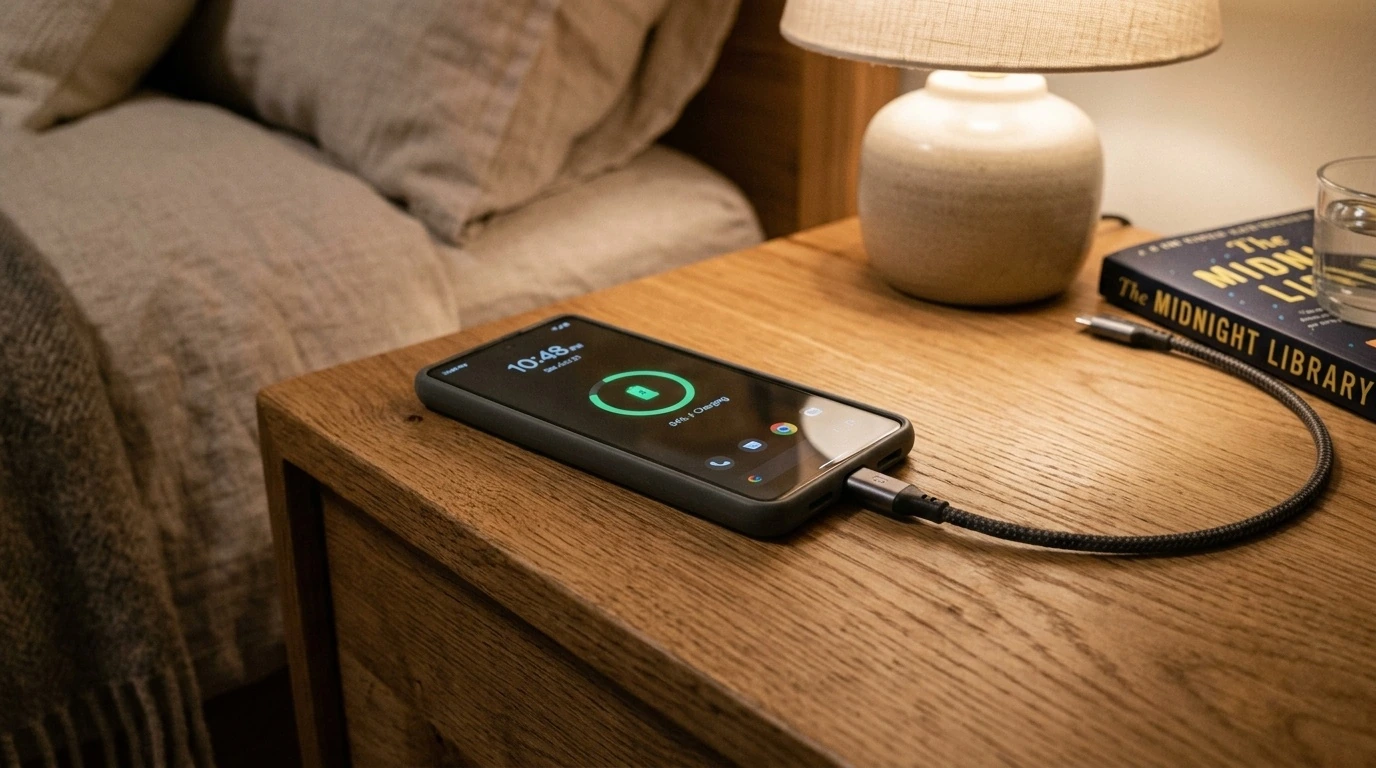
- Heat is the Primary Enemy: High temperatures accelerate chemical reactions that generate gas inside the battery.
- Avoid the Extremes: Keeping your battery charge between 20% and 80% reduces mechanical stress on the cells.
- Use Certified Hardware: Cheap, uncertified chargers lack vital safety mechanisms to prevent overcurrent and overvoltage.
- Inspect Early: Screen lifting, a spongy screen texture, or a rocky phone back are early warning signs of swelling.
What Causes Smartphone Batteries to Swell?
Modern smartphones rely on Lithium-ion (Li-ion) or Lithium-polymer (Li-po) batteries because they are lightweight, hold a high energy density, and charge relatively quickly. However, these batteries rely on volatile chemical reactions to store and release energy.
Battery swelling occurs due to a process called outgassing. When a battery degrades, suffers from manufacturing defects, or is subjected to extreme thermal stress, the liquid electrolyte inside begins to break down. This chemical decomposition produces gases (such as carbon monoxide, carbon dioxide, and hydrogen) that have nowhere to escape. The battery's outer pouch is designed to contain these gases to prevent oxygen exposure, causing the battery to swell like a balloon.
The Golden Rules of Smartphone Charging
Preventing battery swelling requires managing two main variables: temperature and electrical stress. Implementing these daily charging practices will safeguard your device against premature degradation.
1. Maintain the 20-80% Charge Zone
Lithium-ion batteries experience the most physical stress when they are completely empty (0%) or completely full (100%). Constant exposure to high voltage at 100% charge accelerates electrolyte breakdown. Try to unplug your phone once it reaches 80% and plug it in before it drops below 20%. Most modern smartphones feature built-in software tools (like iOS's "Clean Energy Charging" or Android's "Protect Battery") that automatically cap charging at 80% or 85% to mitigate this issue.
2. Keep the Device Cool
Heat acts as a catalyst for electrolyte decomposition. Avoid charging your phone in direct sunlight, on soft surfaces like beds or pillows (which trap heat), or inside thick, heavy protective cases. If your phone feels hot to the touch while charging, remove its case and place it on a hard, flat surface to allow heat to dissipate naturally.
3. Use Certified Chargers and Cables
Cheap, unbranded chargers bought from gas stations or unverified online sellers often lack crucial internal safety components. Quality chargers feature integrated circuits that communicate with your phone to deliver the correct wattage and shut off power if an anomaly is detected. Look for certified accessories carrying marks like USB-IF, MFi (Made for iPhone), or reputable third-party brands.
Real-World Scenarios: How Habits Affect Battery Health
To understand how these principles apply in everyday life, let us examine two common user profiles and their impact on battery safety.
Scenario A: The Competitive Mobile Gamer
Alex plays intensive graphic-heavy mobile games for hours while keeping the phone plugged into a 65W fast charger. Because fast charging generates significant heat, and running a high-end processor simultaneously generates internal heat, the phone's internal temperature consistently exceeds 45°C (113°F). Within a year, Alex notices the back glass of the phone beginning to separate.
The Lesson: Avoid heavy processing tasks while fast charging. If you must play games, charge the phone first, or use a device that supports "bypass charging," which powers the system components directly without routing electricity through the battery.
Scenario B: The Overnight Charger
Sarah plugs her phone in every night before bed, letting it sit at 100% charge for six hours. While modern smartphones have protection circuits to prevent "overcharging" in the traditional sense, keeping the battery at maximum voltage in a warm bedroom still degrades the electrolyte over time.
The Lesson: Enable "Optimized Battery Charging" in your phone's settings. This feature learns your daily routine and delays charging past 80% until just before you wake up, reducing the time the battery spends at maximum voltage.
Comparing Charging Practices
The table below highlights how different charging habits impact your battery's long-term health and stability.
| Habit Category | Specific Action | Impact on Battery | Risk Level |
|---|---|---|---|
| Optimal | Charging between 20-80% on a hard surface with OEM accessories. | Minimizes voltage stress and thermal buildup. | Very Low |
| Moderate Risk | Leaving the phone plugged in overnight without optimized software enabled. | Keeps battery at maximum voltage state for extended periods. | Medium |
| High Danger | Using a damaged cable, charging in hot cars, or gaming while fast-charging. | Accelerates electrolyte outgassing, leading directly to swelling. | High |
Trade-offs: Convenience vs. Battery Longevity
While preserving battery health is important, there are practical trade-offs to consider. Capping your battery charge at 80% means you lose 20% of your daily runtime. For users who travel frequently or do not have regular access to power outlets, sacrificing 20% of their daily battery capacity may not be practical.
If you prefer convenience, you do not need to obsess over every single percentage point. Instead, focus on avoiding the high-risk behaviors: keep the phone out of hot environments, avoid cheap chargers, and replace your battery through authorized service centers when its maximum capacity drops below 80% (typically after 2 to 3 years of normal use).
What to Do If Your Battery Is Swollen
If you notice your phone's screen warping, the back cover lifting, or a strange chemical smell, your battery has likely already swollen. This is a physical chemical failure that cannot be reversed. Do not attempt to press the screen back down, as squeezing a swollen battery can puncture the protective pouch and cause an immediate thermal runaway fire.
- Unplug the device immediately and power it down. Do not connect it to a charger again.
- Do not throw the device in the household trash or standard recycling bins. This poses a major fire hazard for waste management workers.
- Place the phone in a cool, dry place away from flammable materials (such as a metal container or on a concrete floor).
- Take the device to an authorized repair technician or a designated hazardous e-waste recycling center for safe disposal and battery replacement.
Frequently Asked Questions
Can a swollen battery explode?
Yes. A swollen battery is under internal pressure and contains highly flammable chemicals. If punctured, dropped, or subjected to further heat, it can rupture, catch fire, or explode.
Is wireless charging worse for battery swelling than wired charging?
Wireless charging produces more ambient heat than wired charging due to energy loss during induction. If you use wireless charging, ensure the charger is high-quality and keep the phone in a cool, well-ventilated room.
How do I know if my battery is starting to swell?
Early signs include a subtle screen discoloration (caused by internal pressure pressing against the display panel), a "spongy" feeling when pressing the screen, or the phone failing to sit flat on a level tabletop.
Does fast charging damage the battery?
Fast charging itself does not directly cause swelling because modern phones throttle the power intake as the battery fills up. However, the heat generated during fast charging can accelerate degradation if the phone cannot dissipate that heat efficiently.
link : How to Prevent Smartphone Battery Swelling: Best Charging Practices for Longevity