

Modern PC gaming demands high frame rates, but running demanding titles at native resolutions with ray tracing enabled can cripple even high-end graphics cards. Temporal upscaling technologies have transitioned from optional performance boosters to essential settings for a smooth gaming experience. Choosing between NVIDIA DLSS, AMD FSR, and Intel XeSS depends heavily on your graphics card brand, target resolution, and tolerance for visual artifacts.
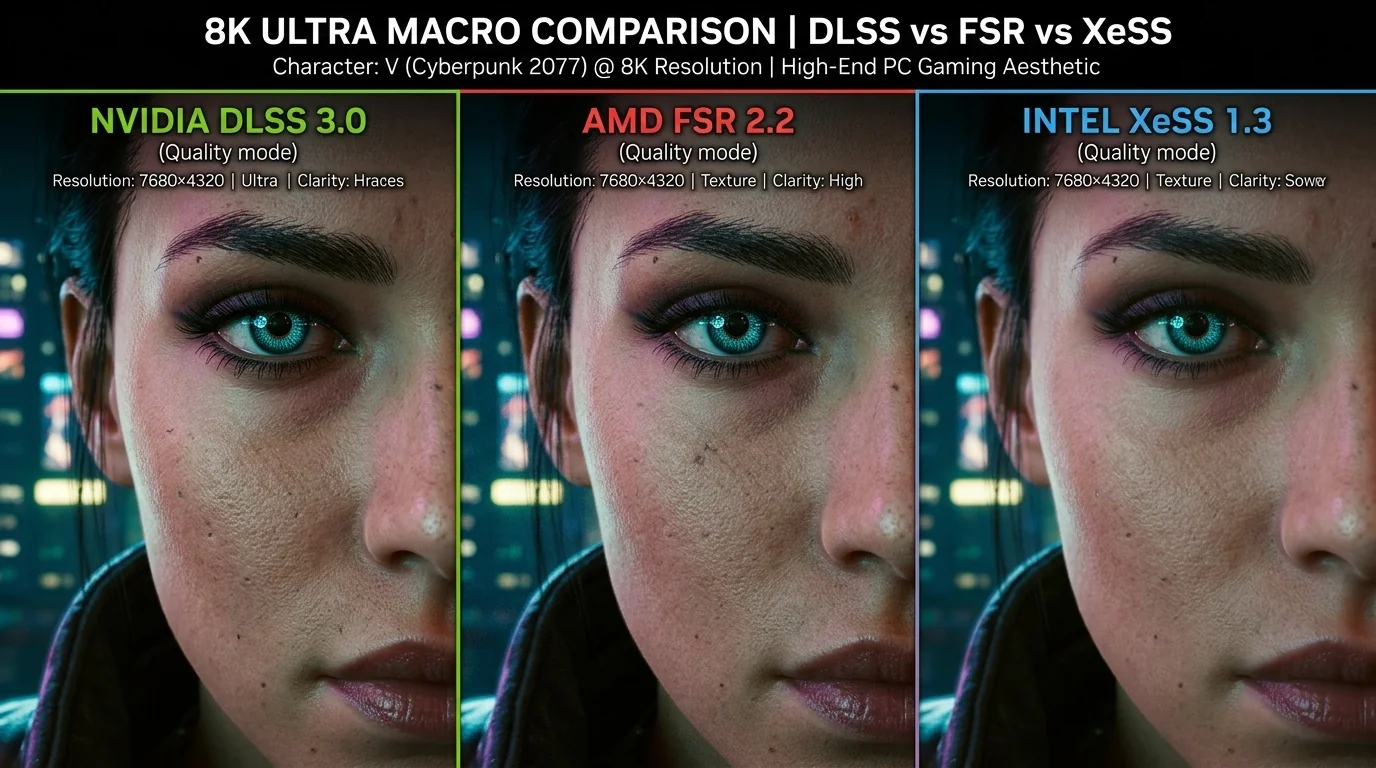
Key Takeaways
- DLSS remains the gold standard for image quality and stability, but it is strictly locked to proprietary NVIDIA RTX hardware.
- FSR offers universal compatibility, running on almost any modern GPU from AMD, NVIDIA, or Intel, though it is more prone to shimmering and ghosting.
- XeSS provides a compelling middle ground, utilizing machine learning to deliver superior image quality over FSR on non-RTX cards via DP4a instructions.
- Avoid Performance and Ultra Performance modes at 1080p; these modes lack sufficient base pixel data, leading to severe visual degradation.
The Core Technologies Explained
To make an informed choice, it is vital to understand how these three competitors reconstruct low-resolution images into higher-target resolutions. They do not merely stretch the image; they use temporal data—information from past frames, motion vectors, and jitter offsets—to fill in missing details.
NVIDIA DLSS (Deep Learning Super Sampling)
DLSS relies on hardware-accelerated machine learning. It uses the dedicated Tensor Cores found exclusively on NVIDIA GeForce RTX graphics cards. By training an AI model on super-high-resolution offline renders, DLSS knows how to reconstruct thin lines, sub-pixel details, and complex textures far better than traditional algorithms. With the introduction of DLSS 3 and 3.5, NVIDIA added Frame Generation (which inserts AI-generated frames between traditionally rendered ones) and Ray Reconstruction, which cleans up ray-traced reflections and lighting.
AMD FSR (FidelityFX Super Resolution)
Unlike NVIDIA, AMD designed FSR to be open-source and universally compatible. FSR 1 was a simple spatial upscaler, but FSR 2 and 3 transitioned to temporal upscaling. FSR does not use machine learning or dedicated AI hardware. Instead, it relies on a hand-tuned mathematical algorithm executed through standard shader pipelines. This allows FSR to run on virtually any graphics card, including older NVIDIA GTX cards and integrated consoles like the Steam Deck, PlayStation 5, and Xbox Series X.
Intel XeSS (Xe Super Sampling)
Intel adopted a hybrid, dual-path approach with XeSS. If you own an Intel Arc graphics card, XeSS utilizes dedicated XMX (Xe Matrix Extensions) hardware accelerators to run a high-quality machine-learning upscaling model. If you run XeSS on an AMD or NVIDIA card, it automatically falls back to a common instruction set called DP4a. While the DP4a fallback path is slightly less precise than the hardware-accelerated XMX path, it still uses machine learning to reconstruct the image, often yielding cleaner results than FSR on non-RTX hardware.
Direct Comparison Matrix
The table below outlines the compatibility, underlying technology, and feature support for each upscaler as of the current standard.
| Feature | NVIDIA DLSS | AMD FSR | Intel XeSS |
|---|---|---|---|
| Hardware Required | NVIDIA RTX GPUs only | Any modern GPU (AMD, NVIDIA, Intel) | Any modern GPU (Optimized for Intel Arc) |
| Upscaling Method | AI-based (Tensor Cores) | Hand-tuned algorithm (Shaders) | AI-based (XMX or DP4a instructions) |
| Frame Generation | Yes (RTX 40-series only) | Yes (FSR 3, open compatibility) | No (Relies on FSR or driver-level options) |
| Image Stability | Excellent (Minimal shimmering) | Moderate (Prone to shimmering on fine details) | High (Better than FSR on fine lines) |
| Open Source | No | Yes | Yes (SDK is open) |
Visual Quality Trade-Offs and Artifacts
While all three technologies aim to boost performance by rendering the game at a lower internal resolution and scaling it up, they do not handle complex visual data equally. The difference lies in how they handle temporal artifacts:
- Ghosting: This occurs when moving objects leave a trail of smeared pixels behind them. DLSS handles this exceptionally well by using motion vectors. FSR occasionally struggles with fast-moving thin objects, such as birds or flying debris, leaving noticeable trails.
- Shimmering and Moire Patterns: Fine geometric details, like chain-link fences, power lines, or distant foliage, tend to flicker or "shimmer" when camera movement occurs. Because FSR lacks an AI model to predict what these lines should look like, it often struggles to keep these elements stable. DLSS and XeSS use their AI models to resolve these sub-pixel elements with far higher temporal stability.
- Particle Fizzle: Transparent effects like smoke, fire, and water splashes can look blocky or "fizzled" when upscaled. DLSS and XeSS generally maintain the cohesion of these effects, whereas FSR can sometimes make them appear pixelated or noisy.
Real-World Scenarios: How to Choose
To understand how these trade-offs work in practice, let us look at two common gaming configurations.
Scenario 1: High-End NVIDIA Rig
Imagine you are running an RTX 4070 Ti at 1440p, playing a demanding title like Alan Wake 2 or Cyberpunk 2077 with ray tracing set to ultra. In this case, your best path is clear:
- Enable DLSS Quality. This gives you a crisp image that often looks cleaner than native 1440p due to superior anti-aliasing.
- Turn on DLSS Frame Generation to push your frame rates past the 100 FPS mark.
- Enable Ray Reconstruction (DLSS 3.5) to eliminate the noise and smearing associated with traditional ray-tracing denoisers.
Choosing FSR or XeSS in this scenario would be a downgrade, as they cannot utilize your card's specialized Tensor Cores as effectively as DLSS.
Scenario 2: Budget AMD or Older GTX Rig
Now, imagine you are using an older GTX 1080 Ti or an AMD RX 6600 playing a modern title at 1080p. DLSS is completely locked out because your hardware lacks Tensor Cores. Your options are FSR and XeSS (running via the DP4a fallback path).
- Compare the implementations in the game's settings menu. If both FSR 2/3 and XeSS are available, test XeSS Quality first.
- Look closely at thin lines, foliage, and hair. In many modern titles, XeSS DP4a provides a more stable image with significantly less shimmering than FSR, despite running on non-Intel hardware.
- If you need every single frame possible and notice a slight performance tax when running XeSS DP4a, switch to FSR Quality. FSR is computationally lighter, meaning it may yield 2-3% more frames, even if the image is slightly noisier.
The Decision Framework
When configuring your game graphics settings, follow this simple hierarchy to ensure the best balance of visual fidelity and performance:
If you have an NVIDIA RTX Card:
Always select DLSS. There is rarely a scenario where FSR or XeSS will look better or perform faster on your hardware.
If you have an Intel Arc Card:
Select XeSS. It will leverage your hardware's XMX engines to deliver image quality that closely rivals DLSS.
If you have an AMD Radeon or older NVIDIA GTX Card:
Compare XeSS and FSR. If XeSS is supported, it often provides superior image stability (less shimmering on fences and hair). If XeSS is absent or causes a performance dip on your specific GPU, default to FSR.
Frequently Asked Questions
Can I use DLSS on an AMD Radeon graphics card?
No. DLSS relies on proprietary hardware called Tensor Cores, which are physically built only into NVIDIA GeForce RTX graphics cards. AMD and Intel graphics cards lack this hardware and cannot run DLSS.
Is XeSS really better than FSR on NVIDIA GTX or AMD cards?
In most cases, yes. Because XeSS uses a machine-learning model even in its DP4a fallback mode, it tends to reconstruct fine details, text, and moving elements with fewer artifacts and less shimmering than FSR's hand-tuned mathematical formula.
Does upscaling cause input lag?
Standard spatial or temporal upscaling (DLSS Super Sampling, FSR 2, XeSS) adds virtually no noticeable input lag. However, Frame Generation technologies (DLSS 3 and FSR 3) construct entirely artificial frames, which can introduce latency. It is highly recommended to enable latency-reduction technologies like NVIDIA Reflex or AMD Anti-Lag alongside Frame Generation.
What is the difference between spatial and temporal upscaling?
Spatial upscaling (like FSR 1) only uses data from the current frame to stretch and sharpen the image. Temporal upscaling (DLSS, FSR 2/3, XeSS) uses data from multiple past frames, motion vectors, and camera jitter to accurately reconstruct missing pixels, resulting in vastly superior image quality.
