
Architecting a Resilient WordPress: Cloud Hosting Fundamentals for 2026
When a WordPress site begins consistently returning HTTP 500 errors during peak traffic spikes, or database queries slow to an agonizing crawl despite resource upgrades on a traditional shared host, it's a clear signal that the underlying infrastructure is struggling to meet demands. These symptoms, often accompanied by frustratingly long page load times reported by user experience monitoring tools, indicate a need to fundamentally re-evaluate the hosting foundation. For many enterprise-grade and high-traffic WordPress deployments in 2026, the solution increasingly points towards cloud hosting.
Key Takeaways
- Cloud hosting offers superior scalability and resilience for WordPress deployments facing variable traffic patterns.
- Managed cloud services significantly simplify the complex operational aspects of cloud infrastructure for WordPress users.
- Performance gains are realized through distributed resources, advanced caching, and geographically optimized content delivery.
- Cost-efficiency in cloud environments necessitates vigilant resource provisioning, continuous monitoring, and strategic optimization.
The Inherent Limitations of Traditional WordPress Hosting
Traditional hosting environments, such as shared hosting or even basic Virtual Private Servers (VPS), often present fundamental architectural limitations for a dynamic platform like WordPress. Shared hosting, by its very nature, places multiple websites on a single server, leading to resource contention. A traffic surge on one site can directly impact the performance and availability of others, resulting in unpredictable slowdowns and potential downtime. While VPS offers dedicated resources, it typically involves a single server instance, representing a single point of failure. Scaling a VPS often means manual upgrades (vertical scaling) or complex, self-managed clustering, which demands significant technical expertise and operational overhead.
These models struggle with the fluctuating demands of modern web traffic, the resource-intensive nature of certain WordPress plugins, and the need for global content delivery. The lack of inherent redundancy and automatic scaling mechanisms can turn a successful marketing campaign or viral content into a site-crashing event.
Core Cloud Hosting Architectures for WordPress
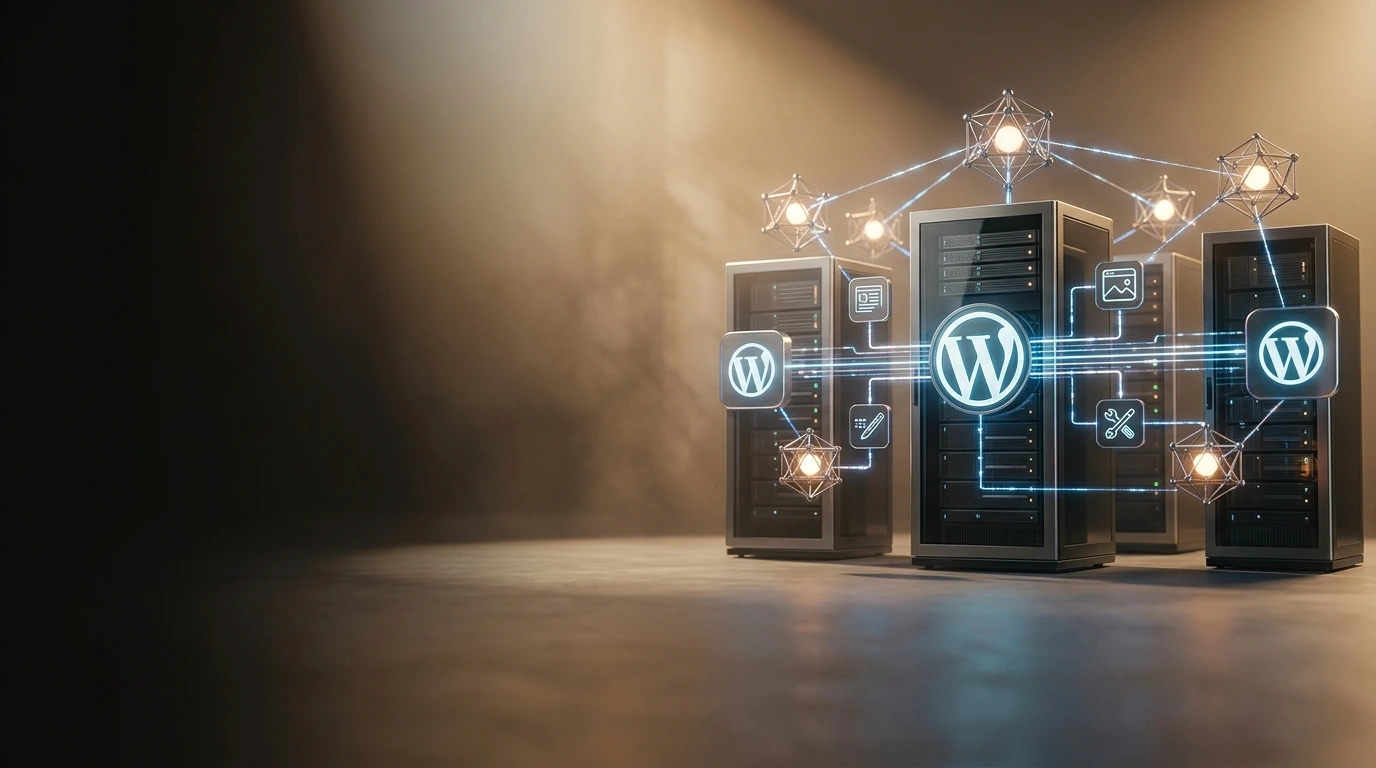
Cloud hosting fundamentally transforms how WordPress sites are deployed and managed by leveraging a network of virtual servers and distributed resources. Instead of a single physical server, your WordPress application runs across an interconnected infrastructure, offering unparalleled flexibility and resilience. Key architectural components typically include:

- Compute Instances: These are virtual machines or containers (e.g., EC2 instances on AWS, Azure VMs, Google Compute Engine) that run the WordPress application code and web server (Nginx or Apache). Cloud environments allow for easy scaling of these instances horizontally (adding more servers) or vertically (upgrading server specifications).
- Managed Databases: Services like AWS RDS, Azure Database for MySQL, or Google Cloud SQL provide highly available, scalable, and automatically managed database instances. This offloads database administration, backups, and replication, which are critical for WordPress performance.
- Content Delivery Networks (CDNs): Essential for global reach, CDNs cache static assets (images, CSS, JavaScript) at edge locations worldwide, serving content faster to users based on their geographic proximity.
- Load Balancers: These distribute incoming web traffic across multiple compute instances, ensuring no single server is overloaded and providing high availability by routing traffic away from unhealthy instances.
- Object Storage: Services like AWS S3 or Google Cloud Storage are used to store media files, offloading them from the main compute instances and making them easily accessible via a CDN.
- Caching Layers: Implementing external object caching solutions like Redis or Memcached significantly reduces database load and speeds up page generation by storing frequently accessed data in memory.
PRO TIP: Strategic Provider Selection
When selecting a cloud provider for WordPress, prioritize those offering robust managed database services and seamlessly integrated CDN solutions. Manually configuring and maintaining these components can introduce significant complexity and operational overhead, potentially negating the simplicity benefits often sought with cloud hosting.
Managed Cloud WordPress Platforms
For many organizations, the complexity of directly managing cloud infrastructure can be daunting. This has led to the rise of specialized managed cloud WordPress platforms. These services abstract away the underlying cloud infrastructure, providing a user-friendly interface to deploy, manage, and scale WordPress sites. They often include built-in caching, security features, staging environments, and expert support, making cloud power accessible without deep DevOps expertise.
Realizing Performance and Scalability Gains
The architectural advantages of cloud hosting translate directly into tangible benefits for WordPress users:
- Exceptional Performance: By distributing resources, utilizing high-speed networks, and integrating advanced caching at multiple layers (server, object, CDN), cloud-hosted WordPress sites consistently deliver faster page load times. Dedicated resources for the database and web server prevent bottlenecks, even under heavy load.
- Unmatched Scalability: Cloud environments are designed for elasticity. Auto-scaling groups can automatically provision new compute instances during traffic spikes and decommission them when demand subsides, ensuring consistent performance without manual intervention. This horizontal scaling capability is crucial for handling viral content or seasonal traffic variations.
- High Availability and Disaster Recovery: Redundant infrastructure, load balancing, and geographically dispersed data centers minimize single points of failure. In the event of an outage in one zone, traffic can be automatically rerouted to healthy instances in another, maintaining site uptime. Automated backups to object storage further enhance disaster recovery capabilities.
- Enhanced Security: Cloud providers offer a robust security posture at the infrastructure level, including DDoS protection, firewalls, and isolated networks. Managed services often add WordPress-specific security measures, such as Web Application Firewalls (WAFs) and malware scanning, complementing WordPress's native security.
Common Pitfalls and Strategic Avoidance
While cloud hosting offers significant advantages, navigating its complexities requires strategic foresight to avoid common pitfalls:
- Uncontrolled Cost Overruns: The pay-as-you-go model can lead to unexpected expenses if resources are not provisioned efficiently or monitored diligently. Over-provisioning compute instances, neglecting to terminate unused resources, or high data transfer costs can quickly inflate bills. Implement robust cost monitoring tools and set budget alerts.
- Configuration Complexity: Incorrectly configured security groups, network ACLs, or database permissions can expose your WordPress site to vulnerabilities or hinder its performance. Leverage infrastructure-as-code principles (e.g., Terraform, CloudFormation) for consistent deployments and seek managed services to abstract away lower-level infrastructure details.
- Vendor Lock-in: Deep integration with proprietary cloud services can make migrating to another provider challenging. While leveraging specialized services can be beneficial, consider the portability of your data and application architecture when making long-term decisions.
- Neglecting WordPress-Specific Optimizations: Simply moving WordPress to the cloud without optimizing the application itself (e.g., database queries, image optimization, theme/plugin efficiency) will yield suboptimal results. Cloud hosting provides the foundation, but WordPress best practices remain crucial.
Frequently Asked Questions
Is cloud hosting always more expensive than shared hosting for WordPress?
Initially, cloud hosting can appear more expensive due to its advanced capabilities. However, for high-traffic or business-critical WordPress sites, the improved performance, scalability, and reliability often translate to better ROI, reduced downtime costs, and enhanced user experience. Cost-effectiveness is achieved through efficient resource management.
What's the primary benefit of a CDN for a WordPress site on the cloud?
A CDN significantly improves page load times for global audiences by caching static content closer to the user. This reduces the load on your origin server and minimizes latency, leading to a faster, more responsive user experience regardless of geographic location.
Can I migrate an existing WordPress site to cloud hosting?
Yes, migration is a standard process. Many cloud providers and managed WordPress hosts offer migration tools or services. It typically involves backing up your database and files, transferring them to the new cloud environment, and updating DNS records. Careful planning and testing are essential.
How does cloud hosting handle security for WordPress?
Cloud providers offer robust foundational security (physical security, network isolation, DDoS protection). Layered on this, you can implement cloud firewalls, Web Application Firewalls (WAFs), identity and access management (IAM), and regular security audits. Managed WordPress cloud hosts often bundle these security features, along with WordPress-specific hardening.
Dominating the Digital Canvas: An In-Depth Hardware Selection Guide for Video Editing & 3D Rendering →
Future-Proofing Your WordPress Infrastructure
As WordPress continues to evolve and web traffic patterns become increasingly dynamic, the shift towards cloud hosting represents a strategic imperative for any serious website owner or organization. The flexibility to scale on demand, the inherent resilience against outages, and the performance advantages offered by distributed architectures are critical for maintaining a competitive edge in 2026 and beyond. By understanding the core fundamentals, leveraging managed services where appropriate, and diligently monitoring resource utilization, you can architect a WordPress presence that is not only robust and fast but also adaptable to future challenges and growth.
Post a Comment for "Architecting a Resilient WordPress: Cloud Hosting Fundamentals for 2026"